Amazon Prime Day Scams: What to Watch Before You Click
The deals during Amazon's summer Prime Day were real. So were the thousands of fake sites built to look exactly like them. And here's the uncomfortable bit: the sale is over, but the machinery behind these scams doesn't shut off when the countdown hits zero. Knowing how it works is your best defense against the next wave.
The scam starts months before the sale
The thing that jumps out from this year's research is the planning. Between December 2025 and May 2026, criminals registered 6,843 new Amazon-themed domains, and the registrations peaked back in April — about two months before the June event. That timing isn't random. Brand-new domains get flagged by security filters; older ones slide through. Register early, and your fake site has time to "age" past the automated defenses built to catch it. One tally put the number of Prime Day scam domains near 7,000, and by May, roughly one in eleven was already flagged as malicious or suspicious.
What the fakes look like now
Forget the clumsy phishing pages of a few years ago. Researchers found full lookalike storefronts copying Amazon's orange branding, menus, and listings — plus cloned product pages that mimic the real thing right down to the star ratings and the "Amazon's Choice" badge. The giveaway is fake urgency: banners like "Anniversary Special: Limited to the first 1,000 claims" and buttons that say "Get Free — Priority For Existing Users," all designed to get you clicking before you think.
They're organized, too. One batch of six domains used an "amazon-prime" template across different endings — .help, .cam, .cc, .club, .app, and a .buzz version registered fresh in June — so even a typo lands you in a trap. A separate 46-domain operation went after Spanish and Portuguese speakers, even using an accented lookalike spelling to read as legit to native speakers.
The channels to distrust
Fake websites are only half the game. Texts warning that "your delivery is delayed" or telling you to "verify your 2FA code" spike during big sales, and they're after your login or your one-time security code. Email does the same, nudging you to sign in fast through a link. The companies feel it too — financial-services firms fielded almost 2,000 attempted attacks each, per week, in May, up 8% from a year earlier.
How to shop without getting burned
The fixes are boring and they work. Don't click a link in a surprise email or text about your Amazon account — open a browser or the official app and go there yourself. Eyeball the full web address for extra characters, hyphenated brand names, or weird endings like .top or .buzz, and don't lean on the padlock icon; it only means the connection is encrypted, not that the site is real. Switch on two-factor authentication so a stolen password alone can't get anyone in. Pay with a credit card or a virtual card — both give you far better fraud protection than a debit card or a bank transfer. And if a deal looks impossibly cheap, especially on electronics or luxury goods, treat it as bait.
None of this takes any technical skill. It just takes slowing down for the few seconds a scam is built to make you skip.
This is a consumer-safety topic. If you think you have already handed over card details or a login to a fake site, contact your bank and change your Amazon password right away.
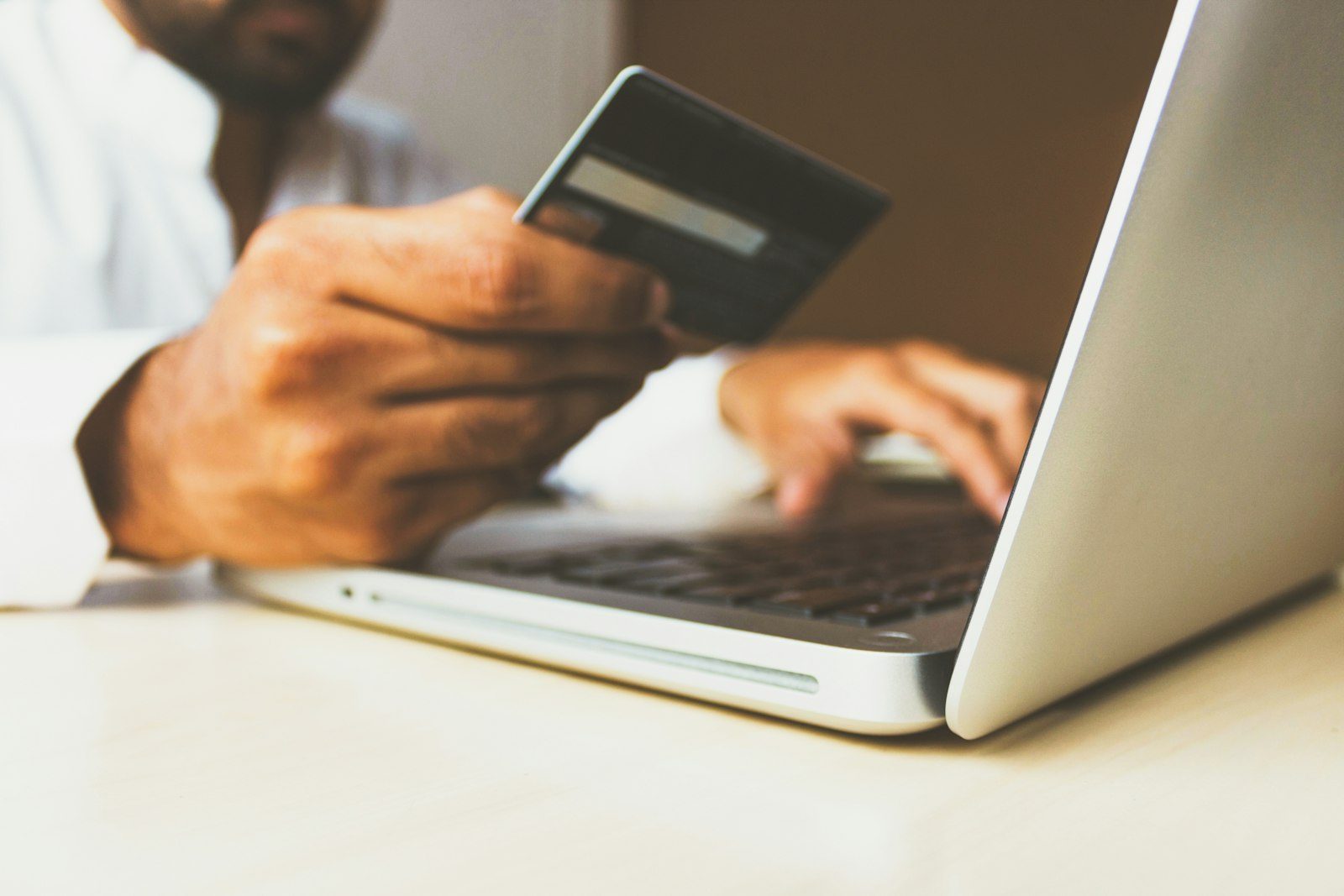
Image: rupixen, via Unsplash