

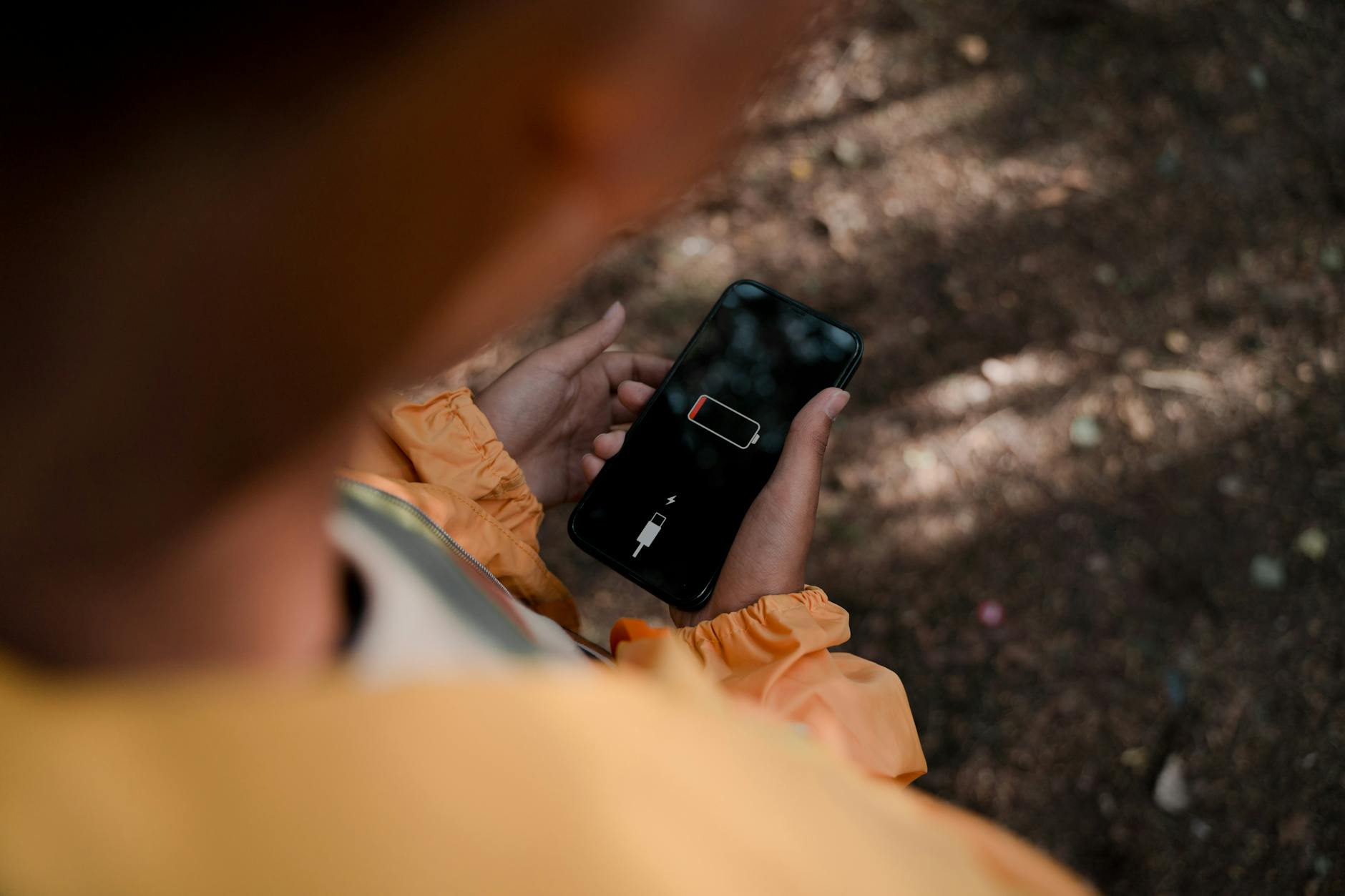
Your phone updated overnight and the battery is gone by lunch. Before you start switching things off, work through this in order — the first step fixes most cases without touching a single setting.
Step 1: Give it 48 hours
After a big update, Android recompiles app code in the background so apps open faster on the new build. That work hammers the CPU, and a busy CPU means a hot, thirsty phone. iPhones do their own version of this: Spotlight, Photos and Messages re-index everything you own.
Both are temporary. Android usually finishes inside a day or two. iOS indexing tends to settle within two to three days.
The quickest way through is to stop fighting it. Plug the phone in, put it on Wi-Fi, and leave it alone overnight so the work happens while you''re asleep instead of while you''re trying to use it.
Still draining after two full days? Now it''s a real problem. Keep going.
Step 2: Find out if it drains while idle
This is the test that tells you something. Note the battery percentage, leave the phone untouched with the screen off for an hour, check again.
A few percent is normal. Twenty to thirty percent an hour sitting idle is not — that''s the pattern Pixel owners hit after a 2026 update, and it points to the processor never dropping into deep sleep when the screen goes off. The phone is effectively awake in your pocket all day.
Idle drain is worth chasing. Drain that only happens while you''re actually using the phone is a different and usually milder problem.
Step 3: Switch off the usual suspects
If idle drain is confirmed, try these on Android, roughly in order of how much they help.
Turn off Adaptive Connectivity. Change your preferred network mode from 5G to LTE — patchy 5G makes the radio work much harder than a steady LTE signal ever does. In Developer Options, disable "Mobile Data Always Active." If you run an 80% charge limit, switch it off for now so you can see real capacity while you diagnose.
Then go through background apps and pull background activity from anything that doesn''t need to be running around the clock.
Step 4: It might not be your phone at all
Sometimes the update is just broken. Galaxy owners saw drain and overheating that traced back to Knox security components in an April security patch — a vendor problem, fixed by the vendor, not by anything you could have toggled.
Worth knowing, because it saves you from wiping a phone that has nothing wrong with it. Search your exact model plus the update version before doing anything drastic. If hundreds of people are reporting the same thing the same week, sit tight and wait for the fix.
What not to do
Don''t factory reset early. It costs you hours and won''t help if the cause is a vendor bug or unfinished compilation. Don''t install a battery-saver app — most of them add overhead rather than removing it. And don''t replace a battery on the strength of one bad week after an update. Get a clean idle reading once the phone has settled first.
The short version
Wait two days. Test idle drain for an hour. If it''s bad, kill Adaptive Connectivity, drop to LTE, turn off Mobile Data Always Active. Then check whether your model is in the middle of a known bad patch before doing anything you can''t undo.
Image: Ron Lach, via Pexels


