

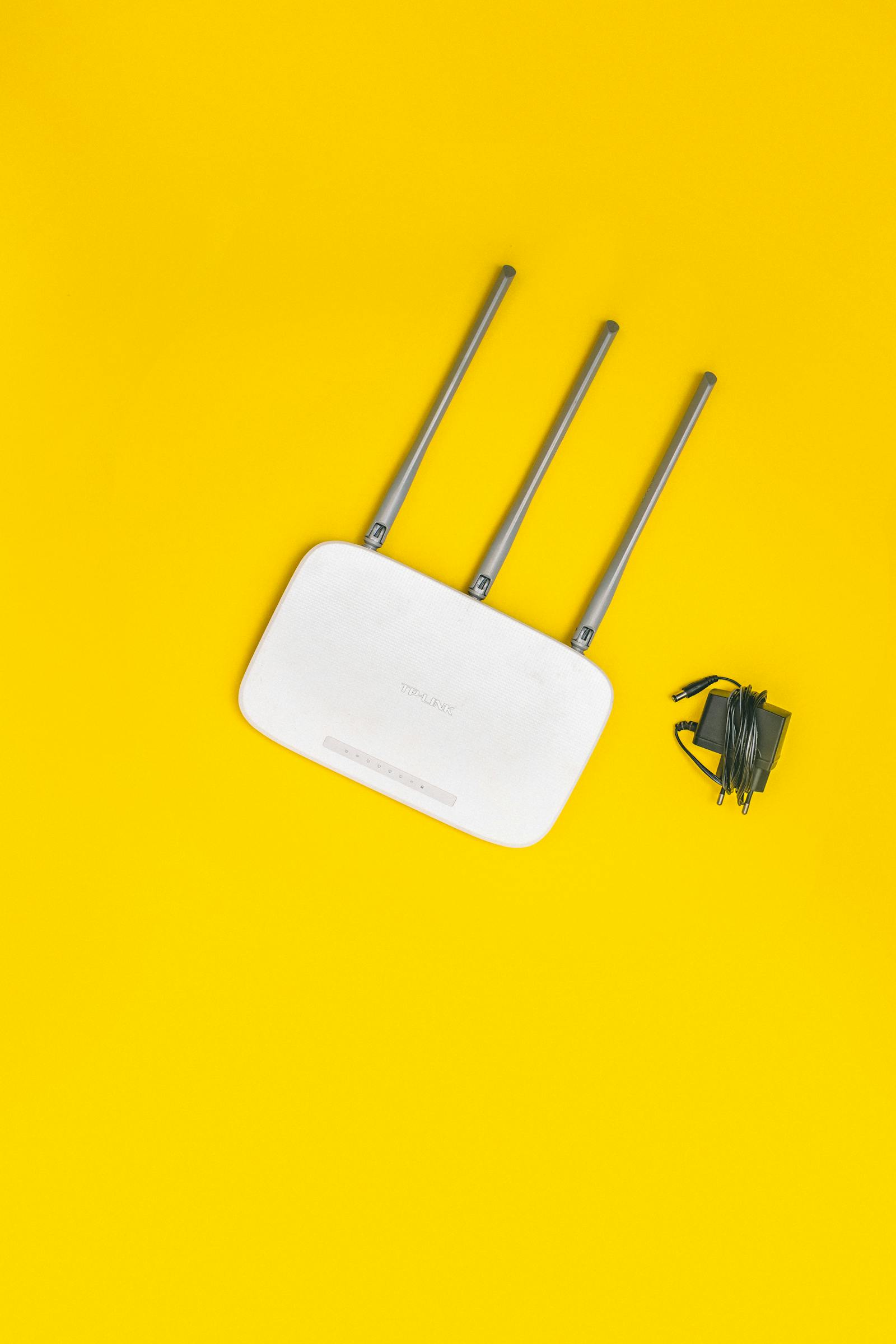
Slow Wi-Fi has a talent for making people spend money. Hold off on that shiny mesh system. Run this checklist first — in most homes the fix is free, and it takes about twenty minutes.
Step 1: The sixty-second restart
Unglamorous but undefeated. Unplug the modem and router, wait 60 seconds, plug them back in. There's a reason this is the golden rule of internet troubleshooting: routers are little computers, glitches pile up, and a power cycle wipes the slate. Can't remember your last restart? This alone might fix everything.
Step 2: Look at where your router lives
Placement is the most underrated factor in home Wi-Fi — and the classic mistake is aesthetic. The router goes in the TV unit, a closed cabinet, a drawer. Enclosures block signal. So does the floor.
The fix costs nothing: central and elevated. A shelf or wall mount in the main living area. Signals radiate in every direction, so parking the router in a corner throws half your coverage into the yard. Keep it away from thick walls and Bluetooth speakers, too — both interfere. People who've finally moved a badly placed router a few feet tend to describe the difference as night and day.
Step 3: Count your devices
The average home now runs dozens of connected gadgets, and smart home devices have become one of the leading hidden causes of slow Wi-Fi. Every plug, bulb and camera takes its slice of bandwidth and router attention. Audit the list. Retire what you don't use.
Step 4: Switch bands and channels
The other hidden culprit? Your neighbors. In apartments especially, everyone's router is shouting over everyone else's. If yours is dual- or tri-band, push busy devices onto 5 GHz — faster, and usually far less crowded than 2.4 GHz. Plenty of interference problems vanish with a simple band switch.
Step 5: Update the firmware
Firmware updates fix bugs, close security holes, and sometimes flat-out improve performance. Modern routers update from an app; older ones want a trip to the admin page. Once a season is plenty.
Step 6: Check what you're actually paying for
Run a speed test right next to the router. Wired speed matches your plan but Wi-Fi lags? The problem lives in your house. Wired speed falls short too? Then it's a conversation with your provider, not your router.
When it really is the hardware
If you've fixed placement, switched bands, updated firmware, pruned devices — and it still crawls — age is probably the answer. A router past the four-or-five-year mark predates modern Wi-Fi standards and chokes on today's device counts. At that point, yes: upgrade. It's the most effective fix you have left.
But that's the last resort. Twenty minutes of free fixes clears up most slow Wi-Fi. Start there.
Image: via Pexels


