

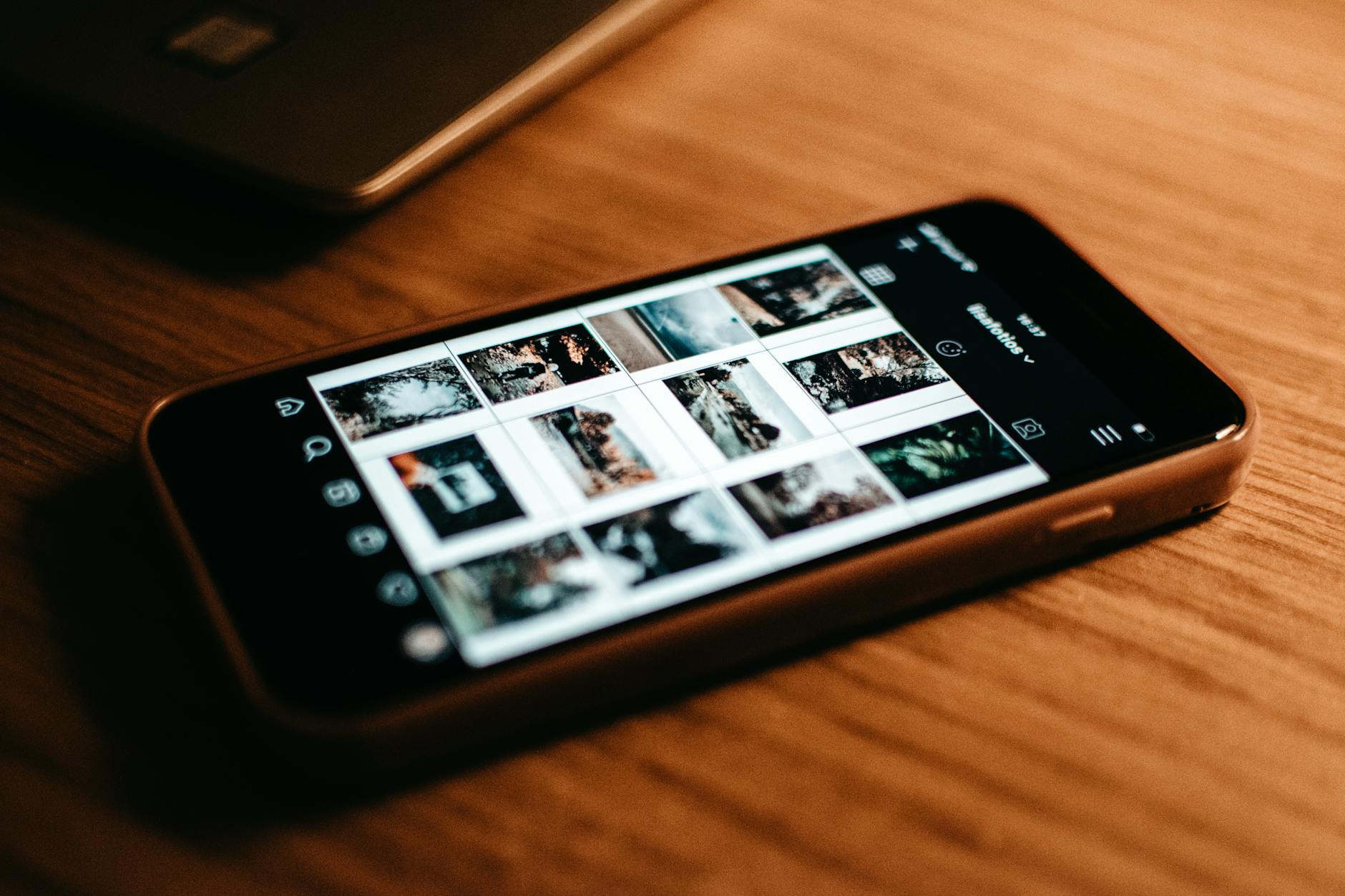
Storage Still Full After You Deleted Everything
You've binned a hundred photos and three apps, and the phone still insists it's out of space. It's the most common storage complaint there is, and it almost always means you deleted the wrong things. Work through this in order instead of deleting more or less at random.
First: find out where the space actually went
Don't delete anything else until you've done this. On iPhone: Settings, General, iPhone Storage. You'll get a colour-coded bar chart, some suggestions, and a full list of every app with the space it's eating. On Android: Settings, Storage.
That's the diagnosis right there. Most people delete apps because apps feel big, when the space has gone somewhere else entirely.
Second: it's the photos. It's basically always the photos
Your camera roll is usually the single biggest thing on the phone, and video is the real problem. 4K and HDR footage dwarfs still images — a few long clips can outweigh thousands of photos.
So sort by size, not by date. Clear out duplicates and the screenshots you took months ago and never looked at again. Then hunt specifically for long 4K or HD videos. Deleting three of those beats an hour of carefully pruning photos.
Anything you actually want, move off the phone — laptop, external drive, cloud, whatever you already use.
Third: the social apps are hoarding
WhatsApp, Instagram and TikTok all quietly stash files on your device. That pile grows on its own, and you never consciously chose to save any of it.
On Android you can clear it without getting logged out: Settings, Apps, pick the biggest one on the list, Storage, Clear Cache. Temporary files go, your account stays signed in.
On iPhone the equivalent is erasing an app's extra data without deleting the app — you keep your files, messages and settings, and the junk goes.
Fourth: automate it so you're not back here in October
Both platforms have a hands-off option.
Google Photos has a "Free up space" function that backs everything up to your Google account and then clears the local copies off the phone. On iPhone, Settings, Photos, Optimize iPhone Storage does something similar — smaller versions stay on the device, the full-resolution originals live in iCloud.
The trade is that you need a connection to pull originals back. For most people that's worth not doing this again.
Why the deleting felt pointless
Here's the underlying thing. Phone storage is dominated by a small number of enormous files, not a big pile of little ones. Deleting twenty apps that are a few megabytes each changes nothing you can see. Deleting four 4K videos can change the whole number.
Open the storage screen, sort by size, go after the biggest things first. Changing the order you work in is usually the difference between a frustrating afternoon and five minutes.
Image: Lisa Fotios, via Pexels


