

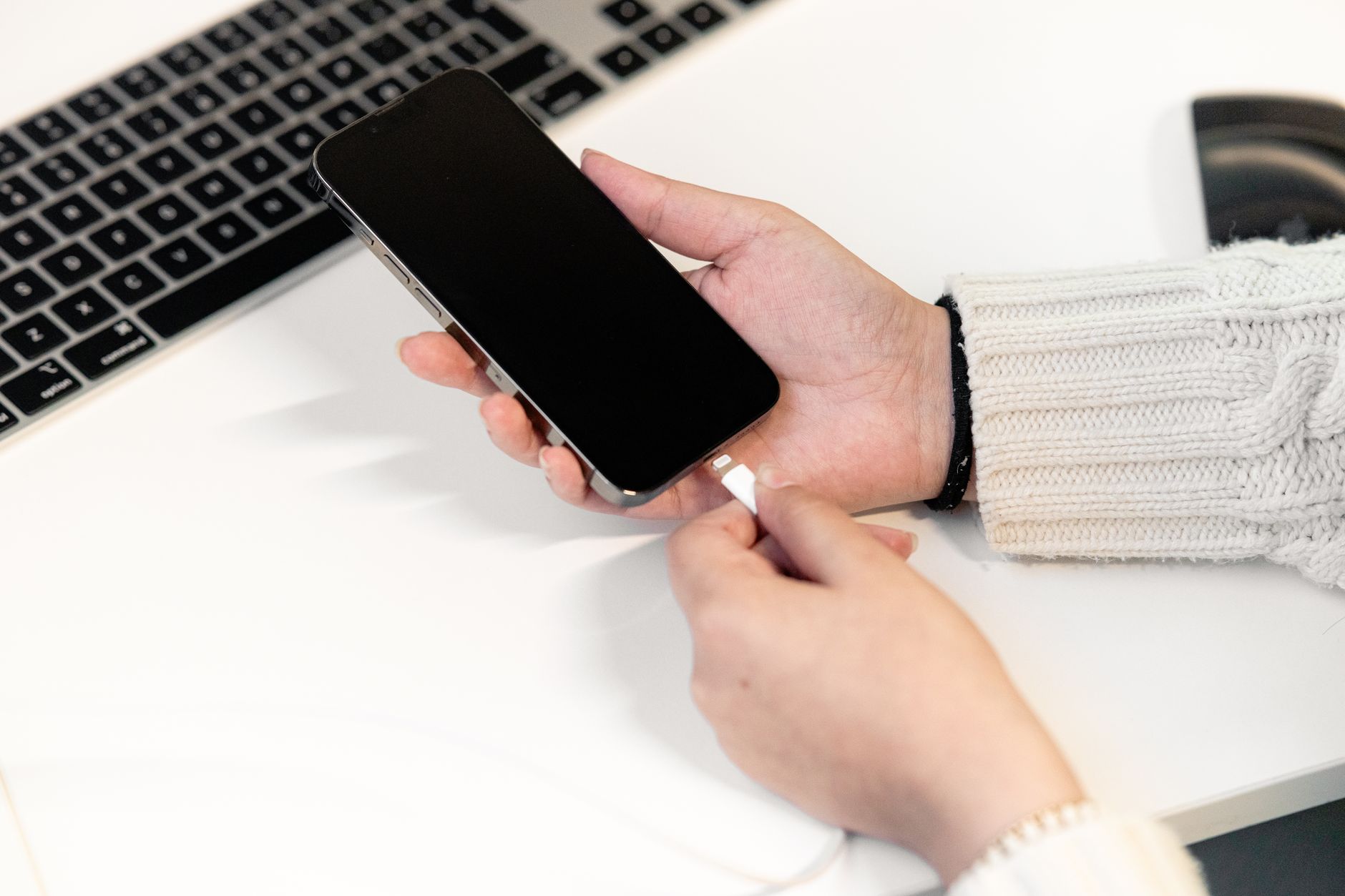
A warm phone is normal. A phone too hot to hold comfortably, or one that throttles and dims the screen while you're just reading messages, is telling you something specific. The trick is working out which something.
Start with the obvious three
Before assuming anything is broken, rule out the causes that account for most cases.
Demanding apps come first. Games, video streaming, video calls and turn-by-turn navigation push the processor and graphics chip hard, and heat is the by-product. If the phone gets hot only during those, that's physics, not a fault.
Environment comes second. Direct sunlight is the big one — a phone on a car dashboard or a café table in the sun will overheat regardless of what it's doing. Hot surroundings, a faulty charger, or the inefficiency of wireless charging all add to it.
The case comes third, and it's the fix people skip. A thick case that wraps the whole phone traps heat with nowhere to go. If yours runs warm while charging, take the case off and see whether the problem disappears.
Charging is where most heat comes from
Batteries generate heat through constant energy exchange, and charging is when that exchange is most intense.
Wired charging runs cooler than wireless. If the phone gets noticeably hot on a charging pad but stays reasonable on a cable, that's the answer — the pad is losing energy as heat, and a slightly misaligned coil makes it worse. Switch to a cable for overnight charging and use the pad for daytime top-ups.
An ageing battery is the other charging-related culprit. Cells near the end of their life run hotter than they used to under the same load. If a phone that used to stay cool now warms up on a routine charge, and battery life has dropped noticeably, the battery is the likeliest explanation, and no amount of software tweaking will change it.
Find the app doing the damage
If the heat isn't tied to anything obvious, the phone will tell you what's responsible. Open Settings and go to Battery, where you'll see which apps have consumed the most power recently.
An app you barely use sitting near the top is a red flag. Restrict its background activity, or uninstall it and see whether the phone settles. Then update your software, since overheating after an OS update is often a known bug that gets patched, and restart the phone — genuinely worth doing, because a stuck background process can spin a core indefinitely until something clears it.
When to suspect malware
Persistent heat with no obvious cause deserves a harder look. Spyware and cryptojacking apps hijack a phone's resources to do work you never asked for, and constant warmth while the device sits idle is one of the clearest symptoms.
The pattern to watch for: hot when doing nothing, battery draining fast, and no single app in the battery list that explains it. If that's what you're seeing, review recently installed apps and anything downloaded outside the official store, and run a reputable security scan.
Cooling it down safely
When a phone is genuinely overheating right now, turn it off, move it somewhere shaded and ventilated, and set it on a hard surface where heat can escape. A bed or sofa insulates it and makes things worse.
Don't put it in the fridge or freezer. The temperature shock causes condensation inside the device, and water damage is a considerably more expensive problem than a warm phone.
Let it cool on its own. Then work back through the list — case, charger, apps, battery — until you find the one that applies.
Image: Julio Lopez, via Pexels


